
GCO Digital · WordPress Care
Update your WordPress site without breaking what people pay with.
Backups first. One update at a time. A real test of your checkout, donations or forms after every change. And a written note of exactly what changed and how to undo it.
- Full backup saved to Google Driveverified
- WordPress core updated1 of 4
- Test order placed · payment OKpass
- Subscriptions add-on updated2 of 4
- Renewal scheduled · next date correctpass
- Events plugin broke a layout → rolled backpaused
- Written report sent to youdone
Sound familiar?
- “We have dozens of updates waiting and we’re afraid to click.”
- “The last update broke our checkout and we lost a weekend.”
- “We’re not sure we even have a backup that works.”
- “We were hacked once. We can’t let it happen again.”
How every job is done
The same careful order, every time. Nothing is skipped to save time.
- 1
Backup first
Automatic backups to your own Google Drive, plus a full backup checked complete before anything changes.
- 2
One update at a time
WordPress and plugins updated in a written order you approve, never all at once.
- 3
Test what matters
After each update: a real test order, donation or form, subscription renewals, events and key pages on desktop and mobile.
- 4
Stop and restore
If anything breaks, work stops. That one change is rolled back and you’re told exactly what caused it.
- 5
Written report
What was updated, what was tested, what to watch, and how to undo every change.
This is the report you get
After every session. Example entries shown, not a real client.
WordPress Update & Backup Log
Example session · low-traffic window
- Backup before work
- Full files + database to Google Drive, all parts complete
- Result
- 2 of 3 updates done, checkout and renewals verified. 1 update paused.
- Approvals
- Followed the approved update order. Nothing deleted.
| # | Item | Version | Tested after update | Result | How to undo |
|---|---|---|---|---|---|
| 1 | Example security plugin | x.y.1 → x.y.4 | Test order with 100%-off coupon; login; admin screens | Pass | Roll back to x.y.1, or restore the backup |
| 2 | Example subscriptions add-on | x.y.0 → x.y.2 | Test order; subscription created; next payment date correct; renewal in Scheduled Actions | Pass | Roll back to x.y.0 |
| 3 | Example events plugin | x.y.3 → x.y.5 | Event pages; event checkout; page-builder layouts | Stopped | Rolled back to x.y.3; site confirmed working |
Issue: update #3 broke an event-page layout. Work stopped, the update was rolled back, the site was confirmed working, and the update is paused until the vendor fixes it or you decide.
Built and run by GCO
Our own platforms, live and in daily use. The same care goes into your site.
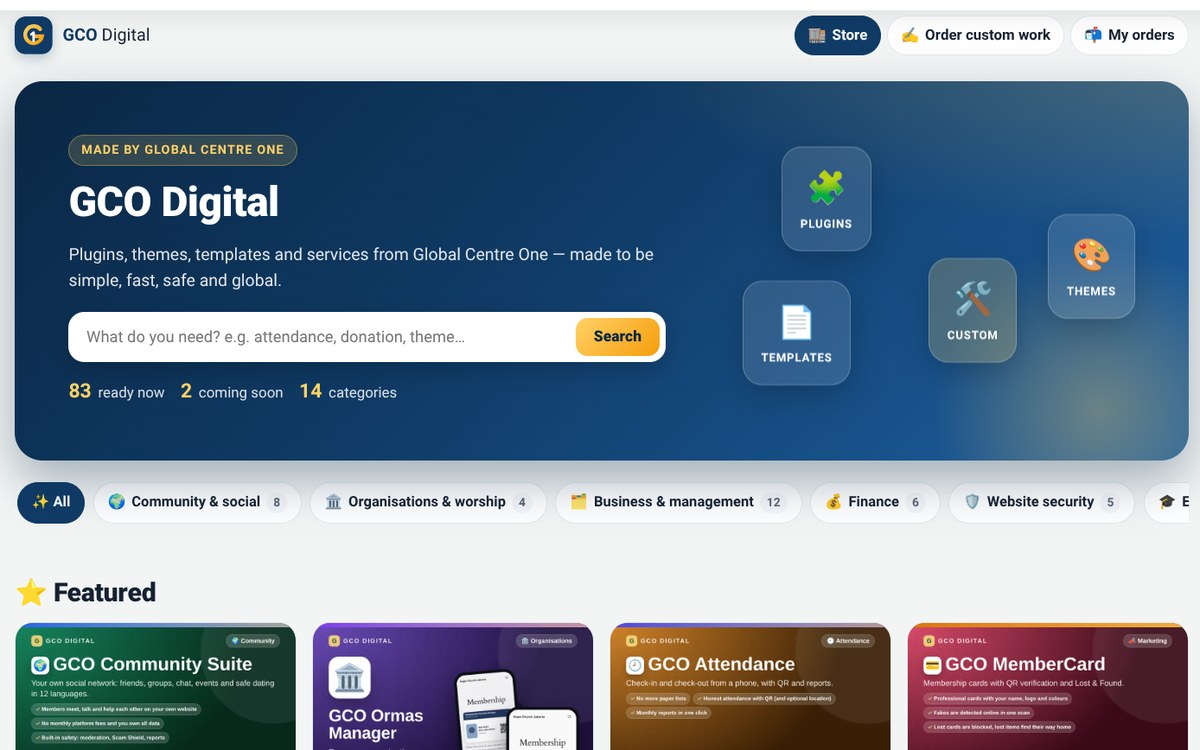 Plugins & themes GCO Digital
A store for WordPress plugins, themes and templates: 83 ready now, 2 coming soon, across 14 categories, with a custom-work order flow.
Visit globalcentreone.com/gco-digital
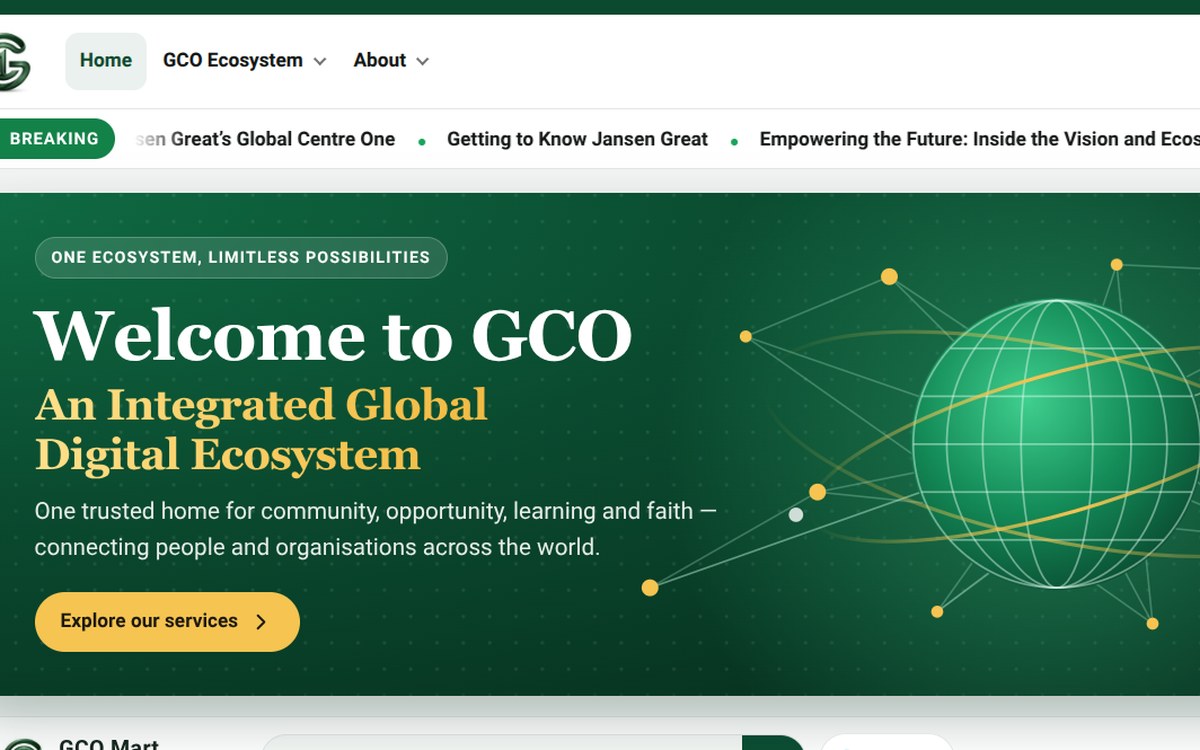 Platform Global Centre One
The home of the GCO ecosystem: one account across every service, multilingual pages and dark mode.
Visit globalcentreone.com
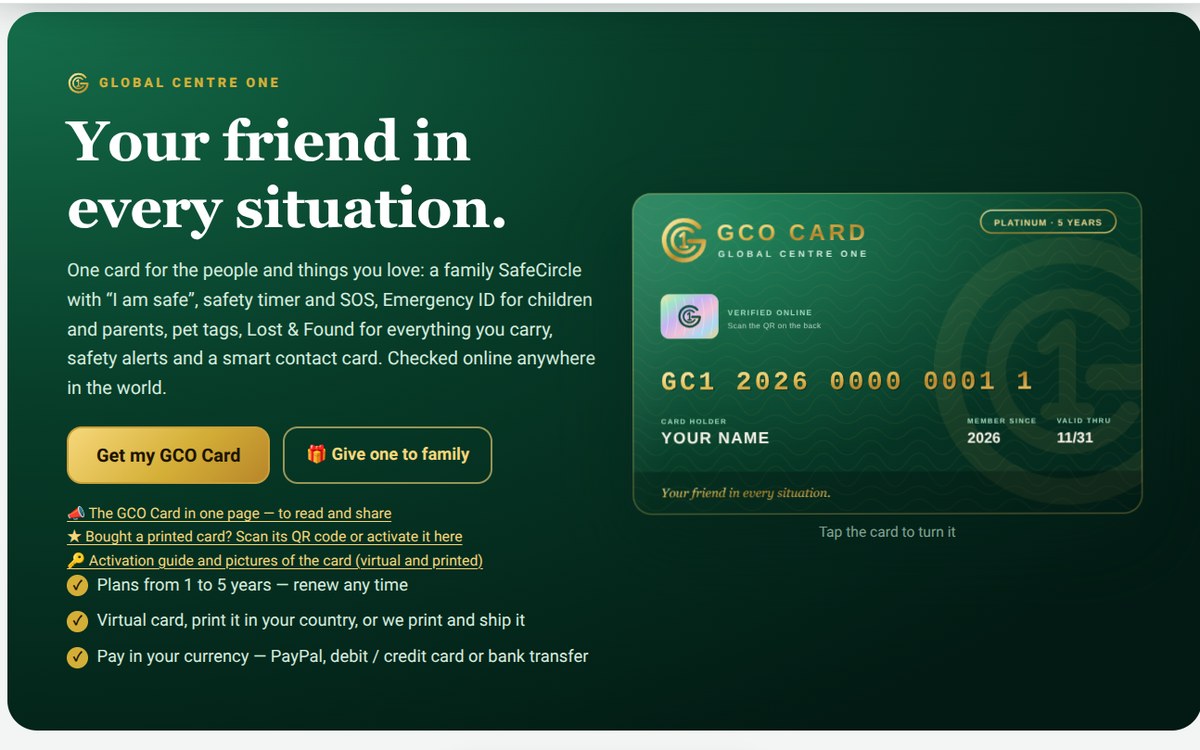 Payments & memberships GCO Card
A smart safety and membership card: SafeCircle with SOS, emergency ID, pet tags and Lost & Found, verified online by QR code, with 1–5 year plans.
Visit card.globalcentreone.com
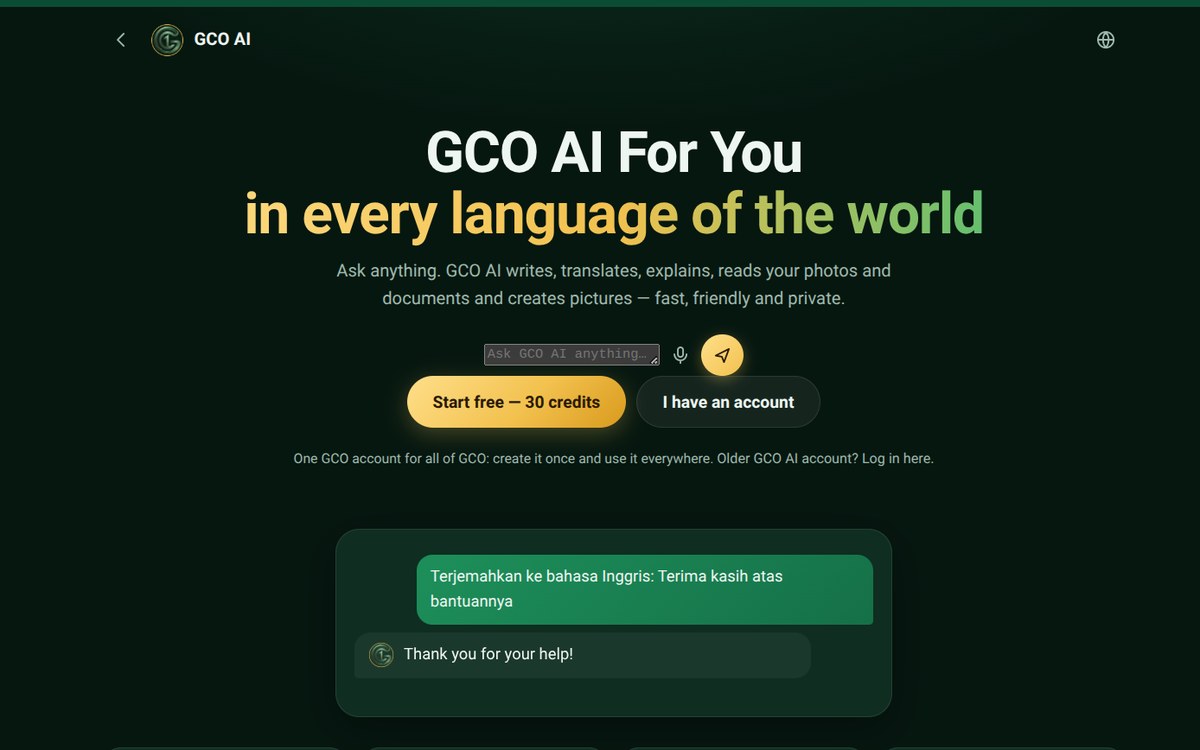 AI GCO AI
A multilingual AI assistant that writes, translates and reads photos and documents, with voice input and a credit system.
Visit globalcentreone.com/ai
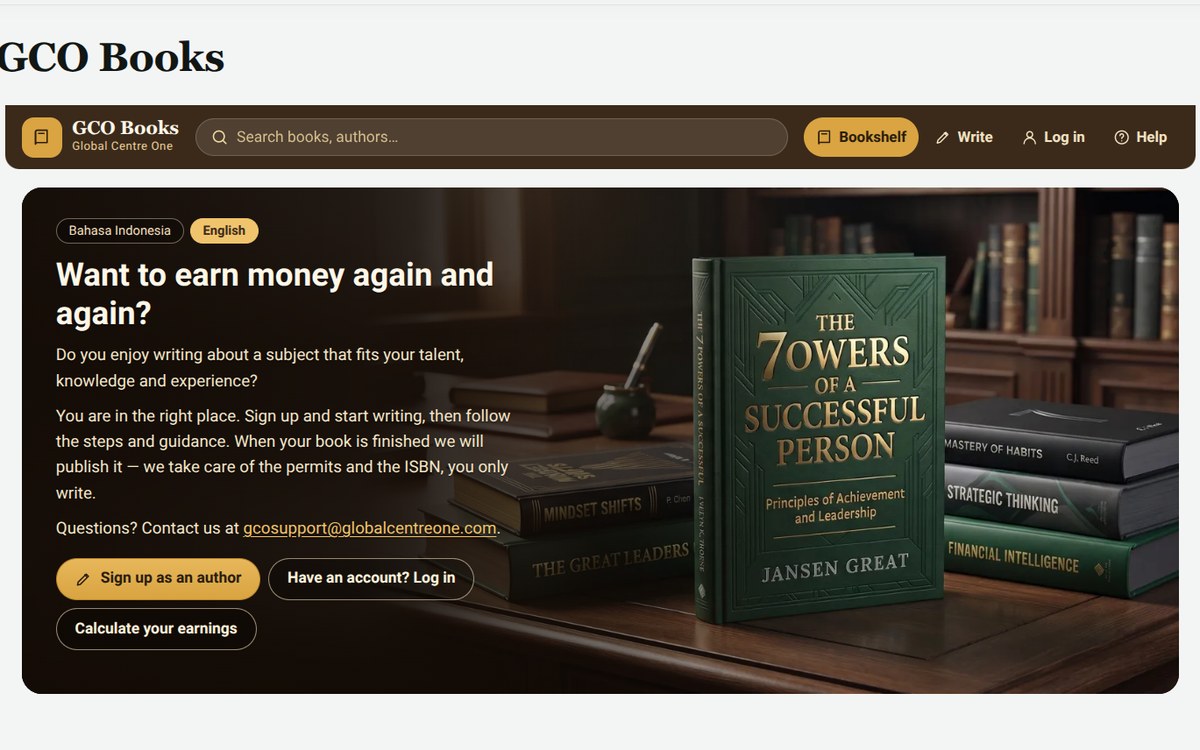 Publishing GCO Books
A write-and-publish platform for authors, in English and Indonesian, with an earnings calculator.
Visit globalcentreone.com/books
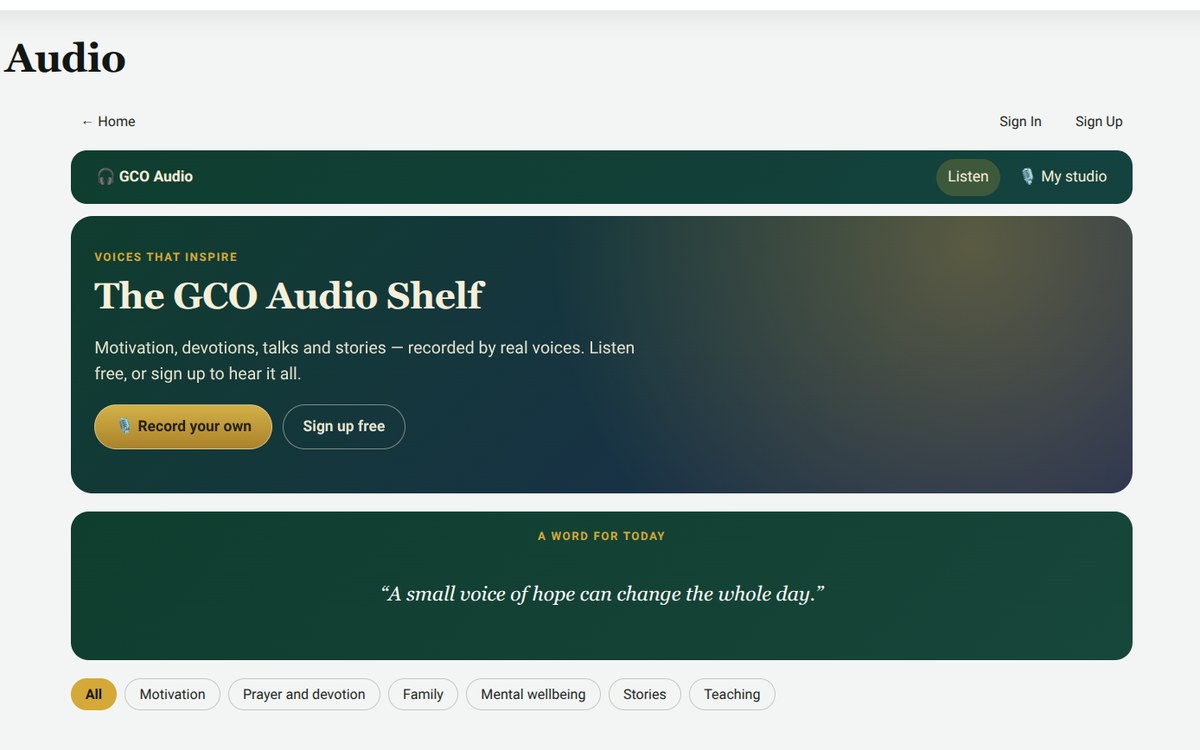 Audio GCO Audio
An audio shelf of motivation, devotions and stories, with topic filters and a recording studio for members.
Visit globalcentreone.com/audio
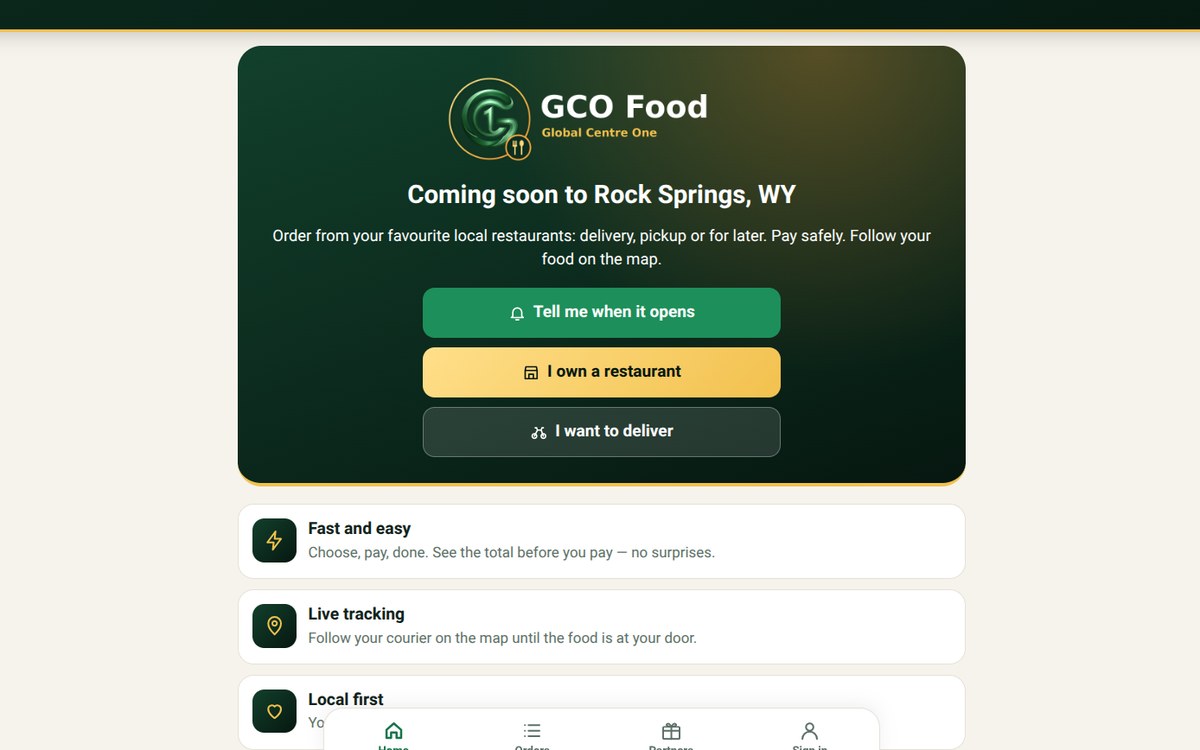 Launching soon GCO Food
A mobile-first local food ordering app with live courier tracking, launching in Rock Springs, WY.
Visit globalcentreone.com/food
Plans
Start with a one-time job, or keep your site cared for every month.
Safe Setup
from $149 one-time
- Automatic backups to your own Google Drive
- A full backup, checked and complete
- A site health check: versions, plugins, security basics
- A written report with next steps
Safe Update
from $299 one-time
- Full backup before anything changes
- WordPress and plugins updated one at a time
- A test of checkout, donations or forms after each update
- Stop and restore if anything breaks
- A written log of every change and how to undo it
Care Basic
from $99 /month
- Monthly updates, one at a time
- Backup checks every month
- Security scan and admin user review
- A short written monthly report
Care Store
from $199 /month
- Everything in Care Basic
- A real test order after updates
- Checks on subscriptions, renewals and donations
- Up to 2 hours of small fixes each month
Starting prices. Large stores, many sites or urgent work are quoted after a free look at your site.
More we build at GCO
Care is where most sites start. When you need more, it’s the same careful, written way of working. Tap a service to see what’s included.
Custom WordPress themes A site that looks like your brand and is easy to edit
What you get
- Designed from your logo, colors or Figma file
- Built as a fast block theme your team can edit
- Mobile-first and accessible
- Handover guide for your editors
Good for: Churches, nonprofits and businesses that have outgrown a template
Ask about custom wordpress themesCustom plugins The exact feature your site is missing
What you get
- Planned with you in writing first
- Clean, secure code with settings you can change
- No yearly license fee to us
- Documented so any developer can maintain it
Good for: Replacing several paid plugins with one simple tool
Ask about custom pluginsOnline stores & checkout Sell products, courses or tickets with WooCommerce
What you get
- Product pages, cart and checkout
- Card and PayPal payments
- Shipping, taxes and emails set up
- Test orders before launch
Good for: Small shops, ministries and authors
Ask about online stores & checkoutDonations, memberships & events Give, join and register on one site
What you get
- Donation forms and recurring giving
- Member areas and subscriptions
- Event pages with registration
- Tested so payments keep working
Good for: Churches, ministries and nonprofits
Ask about donations, memberships & eventsSpeed & mobile fixes A site that loads fast on any phone
What you get
- Speed test before and after
- Image and cache optimization
- Layout fixes on phones and tablets
- Core Web Vitals report
Good for: Sites that feel slow or look broken on mobile
Ask about speed & mobile fixesPage builder cleanup & migration Move off a heavy builder without losing your pages
What you get
- Content moved from Divi, Elementor or similar
- Rebuilt as clean blocks or patterns
- URLs kept the same to protect search ranking
- Page-by-page check before launch
Good for: Sites stuck on an old or slow builder
Ask about page builder cleanup & migrationMultilingual sites Reach people in their own language
What you get
- Language switcher and translated pages
- Search-friendly language versions
- Easy for your team to update
Good for: Global ministries and organizations
Ask about multilingual sitesAI features Helpful AI on your own site
What you get
- Assistants that answer questions from your content
- Writing and translation helpers
- Clear rules on privacy and data
Good for: Teams that want to save time with care
Ask about ai featuresOwn your tools
Still renting your website, one plugin at a time?
Many organizations pay the same theme and plugin renewals every year, for features they barely use, and lose them the day they stop paying. GCO builds what you need in your own name, and you keep it.
- Are you paying yearly renewals for plugins you only use a small part of?
- Would your site break if one vendor raised prices, changed direction or shut down?
- Do you want themes and tools that carry your own name, not someone else’s?
- Tell us what you depend on. List the paid themes and plugins you renew today, or just describe what your site needs to do.
- Get an honest map. We show what can be replaced, what can be combined, and what is better to keep.
- We build it in your name. Branded for your organization, planned with you in writing first.
- It’s yours. Source code, rights and documentation are handed over when the project is paid.
Our honest rule: some tools are worth keeping, like WooCommerce itself or your payment gateway, and we’ll say so. Code you own still needs normal WordPress updates over time, which our Care plans cover. Payment and hosting fees from other providers stay as they are.
What are you still renting today?Consultation is free. Ask us anything, with no obligation.
Rules we work by
One person, your own login
No agency hand-offs. I use only the admin login you create, and no one else touches your site.
No payment access needed
I never need your Stripe or PayPal account. Your customers’ data stays yours.
Nothing deleted, ever
No plugin, page or user is removed without your written approval.
Everything in writing
Async, written updates you can keep, forward to your board, or check later.
Questions
Do you need my hosting or Stripe passwords?
No. You create an admin login for me in WordPress. I never need your payment-processor account, and I never share your login with anyone. Anything that must be checked inside Stripe or PayPal, I flag for you to confirm.
What happens if an update breaks something?
I stop right away, roll back that one update or restore the backup taken before work began, and confirm the site works again. You get a written note of what happened and the safe way forward before anything else changes.
Will my site go offline during updates?
Normally no. Updates are done one at a time at a low-traffic time you choose, and each one is tested before the next.
Where are my backups kept?
In your own Google Drive account, so you own them and they live off your server. Your host’s backups stay as a second layer.
Do you delete plugins or change things on your own?
Never. Nothing is deleted and nothing is changed without your approval. Recommendations come in writing first.
Do you use AI tools?
Yes, to research and double-check work. Your login details, customer data and order information are never shared with them.
Which sites do you work on?
WordPress sites, including WooCommerce stores, donation forms, subscriptions, memberships, events and page builders. Churches, ministries, nonprofits and small businesses are especially welcome.
Request a free site check
Tell me about your site. I’ll look at it from the outside and reply within 1 business day with what needs attention and which plan fits. No login needed yet.
- Free consultation on anything about your website
- No obligation
- No passwords in this form, ever
- Written reply you can share with your team
Prefer to reach us directly?
Emailgcosupport@globalcentreone.com Contact pageglobalcentreone.com/contact