
Record in your browser, publish your own audio shows, reach listeners in their own language, and choose who can listen. No studio, no technical skills.
A voice can reach where words cannot
A prayer, a teaching, a story, a lesson, a song of encouragement, a business tip. Many people carry something worth saying, but they think, “I do not have a studio, a microphone, or the technical skills.”
GCO Audio was made for exactly these people. It is a place on Global Centre One where anyone can record their voice, publish it as a show, and where anyone can listen, comfortably, on almost any phone or computer.
What is GCO Audio?
GCO Audio is an audio shelf. Creators publish shows and episodes, and listeners browse them like a library: big episode cards, a cover picture for every show, and a short “word for today”. Each show has its own picture and colour. Listeners can leave comments, and creators get a clear page of their own.
You can sign in and sign up with your GCO Account, the same one you use across Global Centre One.
For creators: from your voice to a finished episode
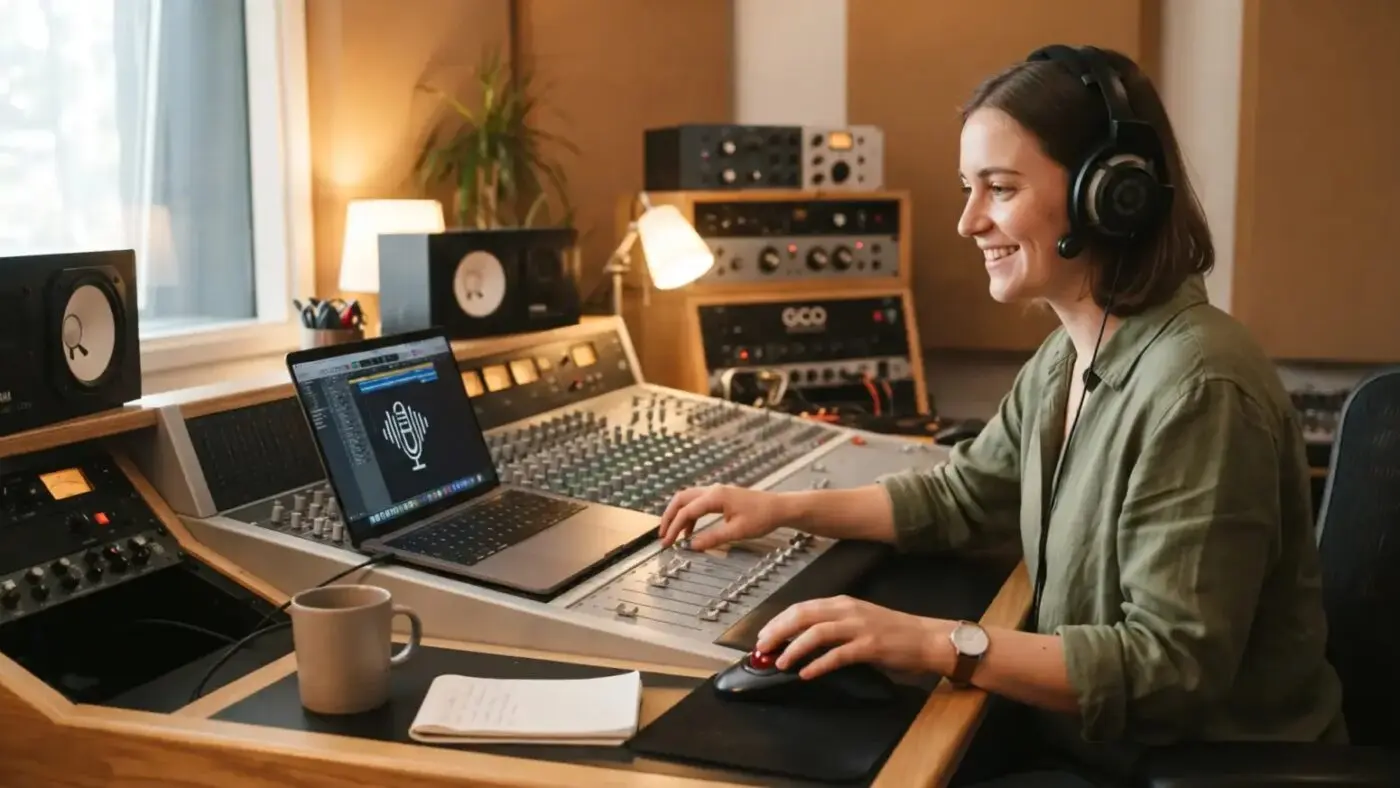
1. Record or upload. Record right in the browser, with pause, trim and review. Or upload an MP3, M4A, WAV, OGG or WEBM file you already have.
2. Make it sound better. A simple editor lets you choose a part, delete or keep it, add silence, fade, make it louder or softer, normalise the volume, cut a quiet start and end, shorten long pauses, add a sound file, zoom, and undo or redo. You can also clean the background noise: automatically after a recording, or with one button (light, medium or strong).
3. Choose a voice style. Clear, warm radio, podcast, deeper, narrator, hall, old telephone, echo and more. The styles are made on your own device.
4. No microphone? Use an AI voice. You can type your words and let an AI voice read them. It is clearly labelled for listeners, so nobody is misled.
5. Make a cover. The cover maker creates a nice square picture with your words and style, or with your own photo.
6. Publish now or later. Publish at once or schedule the release for a date and time. Add a line of encouragement to each show and episode.
There is also a short “Start in 5 minutes” guide for new creators, categories, creator pages, a report button, a share box, and the promise “this is my work”, so the shelf stays honest.
For listeners: easy, light and in your language
- It works on old and new devices. There is a plain audio player as a fallback, and the pages are light and fast.
- Your language. A creator can offer language versions of one episode. The AI writes the words down, translates them, a creator checks the text, and an AI voice reads it. Listeners choose the language they understand best. They can also ask for a language that is missing, so the creator sees what people want.
- Comments. Listeners can respond, encourage and ask questions.
- Live broadcasts. A creator can announce a live event (on YouTube, Zoom or Facebook) with a countdown, an email reminder, a join button and an “add to calendar” option. After the event, the replay can become an episode.
You decide who can listen
Every episode has its own access setting:
- Free for everyone
- Members (signed in with GCO Account)
- GCO Card holders
- Paid, through PayPal
For paid episodes, a creator can also set a price for the whole series of a show, so a listener can buy every episode at a lower total price, and can choose to include episodes added later. GCO Card members can receive a discount on paid episodes; the discount is paid by GCO from its own part, so creators still earn from the full price. A higher price can include downloads in formats such as MP3, M4A, OGG, FLAC and WAV, depending on what the server supports.
Protected audio is shown without a download button. An honest note: nobody can fully stop a person from re-recording what plays on their own speakers.
Know your listeners
Creators see how many people listened and where listeners stop. That helps you shorten, improve and know what really touches people. For paid episodes, you can see your earnings and payouts. A creator earns a share of the sales, and GCO keeps its part. As with everything in business, no income is promised: what you earn depends on what you share and who listens.
Why GCO Audio is useful for the public
- For people who want to speak but are not “media people”. Pastors, teachers, mothers, entrepreneurs, students, storytellers, and anyone with a message.
- For people who cannot or do not want to read. Many people learn best by listening: while travelling, working or resting.
- For families, churches and communities. A place for teachings, devotions, announcements, lessons and stories that is easy to find and share.
- For people in different languages. One message can reach people in their own language.
- For businesses and professionals. Share knowledge, build trust, and let people hear who you are before they meet you.
- For anyone who values safe, clear rules. Creators promise the work is their own, every show can be reported, and the access to each episode is decided by its creator.
The purpose behind it
Global Centre One exists to connect people, so that good messages, knowledge and talents can be shared and heard. GCO Audio is the voice of that purpose: simple enough for a first-time speaker, and complete enough for a serious creator.
Start today
- Listen: open the GCO Audio shelf and play a free episode.
- Create: sign in with your GCO Account and record your first episode. A free episode in every show helps listeners trust you.
- Share: send the link of your show to your family, church, community or customers.
Your voice has a place at globalcentreone.com/audio.